Printable Recipe Card Template
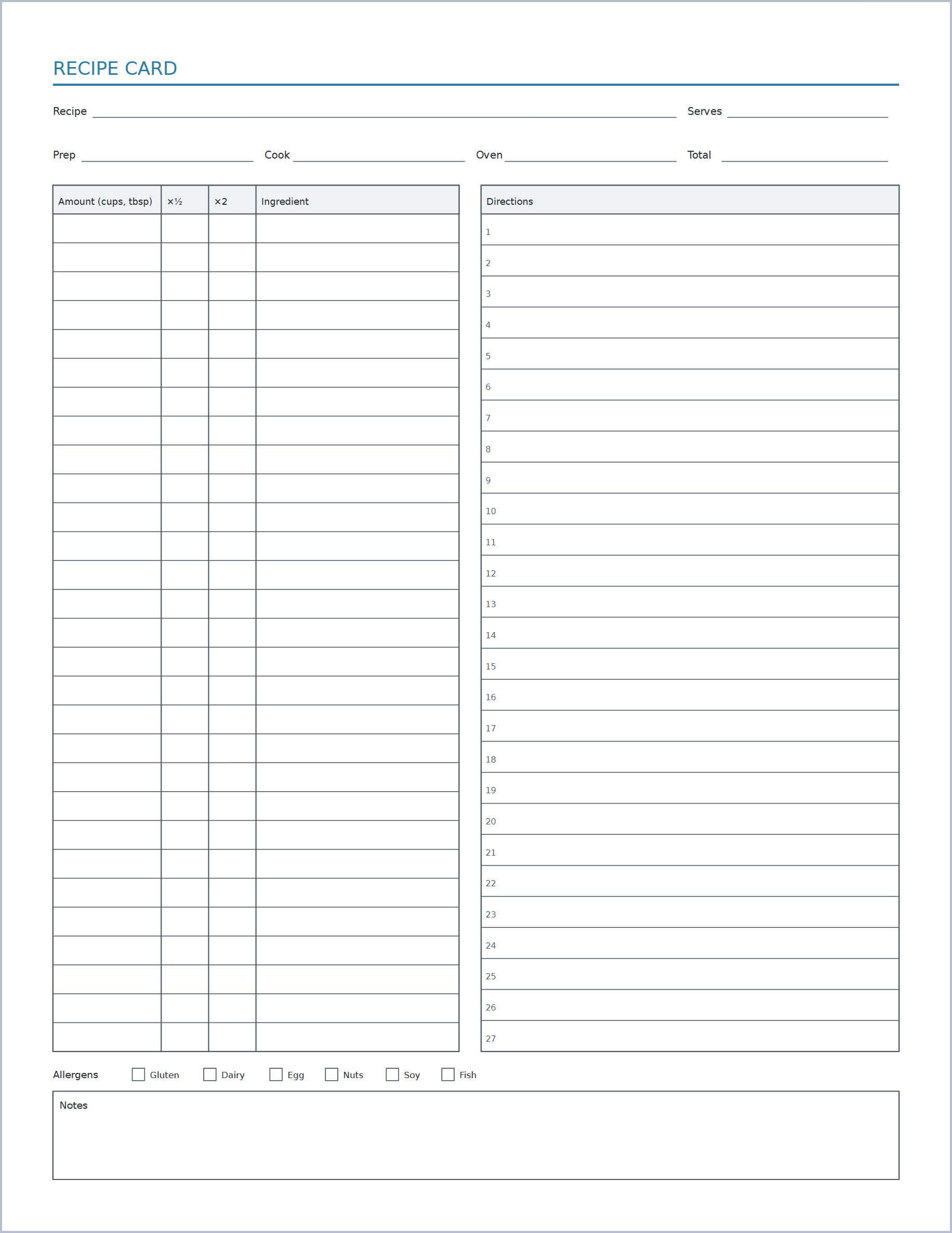
Recipe cards with ingredients, directions, prep times and allergen notes.
This paper is part of Print A Page Pro. You can open and try it free; exporting it needs Pro or a 24-hour Export Pass. The Free plan includes 24 other papers.
About this recipe card template
Recipe cards with ingredients, directions, prep times and allergen notes. Also known as printable recipe cards or recipe page, it is one of 79 papers in Print A Page, a free online editor for printable paper.
Kitchen and household sheets keep recipes, meals, chores and projects in one place on the fridge or in a binder, ready for everyone in the house to read.
Make it yours
Options for this paper in the editor:
- Units
- Cards per Sheet
- Servings Scale Columns (½× and 2×)
- Prep / Cook / Oven Fields
- Allergens & Notes
How to print recipe card template
- Open the paper and choose your page size (US Letter, A4 and 15 more).
- Adjust spacing, margins and labels until it matches what you need.
- Export a PDF, then print at 100% scale ("Actual size"), not "Fit to page", so every line keeps its true measurement.
Works with every paper
- 17 page sizes, from 4 × 6 to ARCH D, in inches, mm or cm
- Split the page and mix this paper with any other style
- Margins, labels and name/date headers
- True-scale printing at up to 1200 dpi (vector export with Pro)
- PDF, plus Word, PNG, JPEG and more with Pro
- Batch up to 500 pages with Pro: names, dates or a spreadsheet
More home & kitchen
Questions
Can I print recipe card template for free?
It is part of Print A Page Pro. You can open it and try every option for free; exporting it needs Pro (or a $4.99 24-hour Export Pass). The Free plan includes 24 other papers.
What paper sizes can I print it on?
17 sizes, including US Letter, US Legal, A4, A5, A6, A3, Tabloid, Statement, Executive, 4 × 6, 5 × 7 and 8 × 10, up to ARCH D, in inches, mm or cm. Lines and boxes keep their true size when you print at 100%.
Can I put recipe card template and another paper on one page?
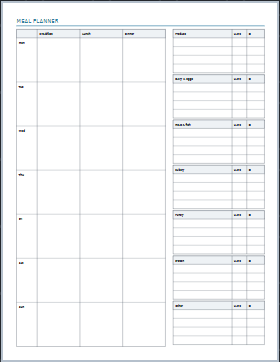
Yes. Split the page into sections and give each its own paper, for example recipe card template beside meal planner & grocery list. The Layers panel lets you stack, hide or lock sections.