Printable Sight-In Target
Sight-in grid targets for zeroing scopes and sights.
This paper is part of Print A Page Pro. You can open and try it free; exporting it needs Pro or a 24-hour Export Pass. The Free plan includes 24 other papers.
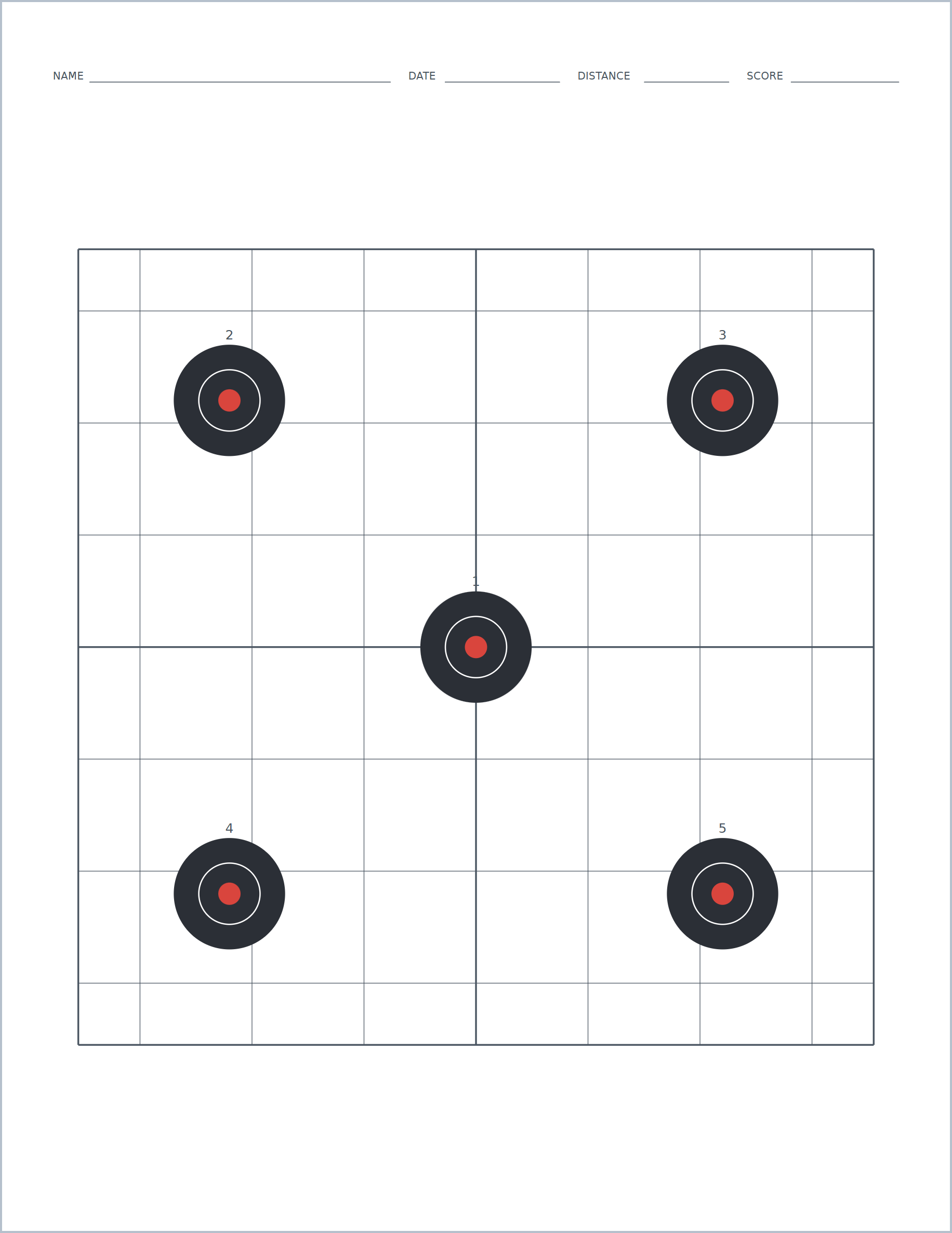
About this sight-in target
Sight-in grid targets for zeroing scopes and sights. Also known as zeroing target grid or scope sight in target, it is one of 79 papers in Print A Page, a free online editor for printable paper.
Printable targets save money at the range: print exactly the target you need, on plain paper, whenever you need more.
Make it yours
Options for this paper in the editor:
- Target
- Columns
- Rows
- Target Gap
- Horizontal Shift
- Vertical Shift
- Scoring Numbers
- Aim-Point Crosshair
How to print sight-in target
- Open the paper and choose your page size (US Letter, A4 and 15 more).
- Adjust spacing, margins and labels until it matches what you need.
- Export a PDF, then print at 100% scale ("Actual size"), not "Fit to page", so every line keeps its true measurement.
Works with every paper
- 17 page sizes, from 4 × 6 to ARCH D, in inches, mm or cm
- Split the page and mix this paper with any other style
- Margins, labels and name/date headers
- True-scale printing at up to 1200 dpi (vector export with Pro)
- PDF, plus Word, PNG, JPEG and more with Pro
- Batch up to 500 pages with Pro: names, dates or a spreadsheet
More shooting targets
Questions
Can I print sight-in target for free?
It is part of Print A Page Pro. You can open it and try every option for free; exporting it needs Pro (or a $4.99 24-hour Export Pass). The Free plan includes 24 other papers.
What paper sizes can I print it on?
17 sizes, including US Letter, US Legal, A4, A5, A6, A3, Tabloid, Statement, Executive, 4 × 6, 5 × 7 and 8 × 10, up to ARCH D, in inches, mm or cm. Lines and boxes keep their true size when you print at 100%.
Can I put sight-in target and another paper on one page?
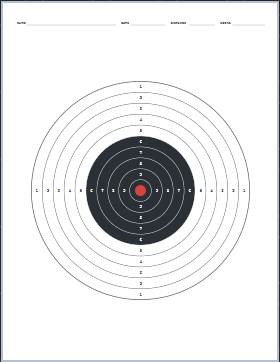
Yes. Split the page into sections and give each its own paper, for example sight-in target beside bullseye shooting target. The Layers panel lets you stack, hide or lock sections.